
Validation Process

BEFORE the first validation, the validation strip is normally blank.
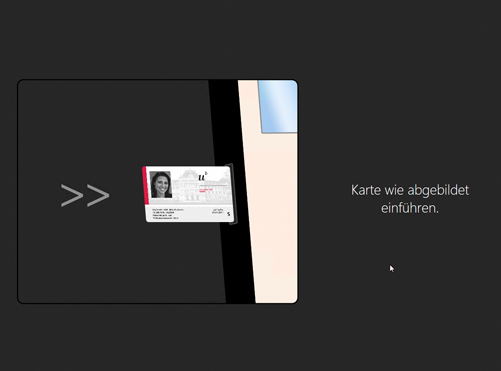
Insert your UNICARD into the slot of the validation terminal without pressure. Then press the green button.
To validate the UNICARD, select the menu option “Label card”. After the validation process, the UNICARD is automatically ejected. If you do not want to make any changes to your UNICARD, select the option “Return card”.
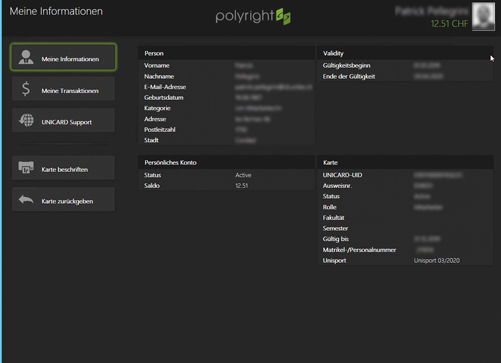
The validation process takes approx. 5 seconds and is automatic. The variable registration and employment data are written onto the validation stripe or any existing entries are overwritten with the new data.
If the validation process fails for technical reasons, please proceed as follows:
- Were the tuition fees for the semester to be validated paid at least 6 working days ago?
- Press the “Validate again” button, repeat the validation process.
- Attempt to validate the card at a different validation terminal and/or 2 hours later.
- Contact the Servicedesk.